
Key facts
Start here
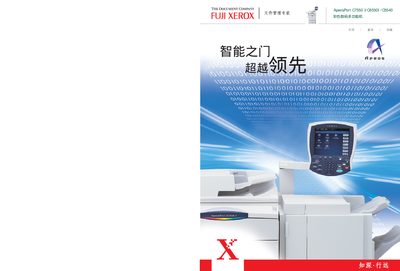
FUJI XEROX ApeosPort C7550 I/C6550I /C5540 color digital multi-function machine Manual
This manual introduces the ApeosPort C7550, C6550 and C5540 series, describing their high‑speed color and black‑white printing, scanning, and document management capabilities. It explains the system architecture, supported file formats (PDF, TIFF, JPEG, DocuWorks) and the integration with CentreWare services for workflow automation.
The guide also covers security functions such as confidential printing, secure mailboxes, user‑ID based access control, and network settings (Ethernet, SMB/FTP, WebDAV). Installation, configuration, and routine maintenance procedures are detailed, along with troubleshooting tips and specifications of the device. This manual is written in Japanese.
FUJI C5540 specifications
| Print resolution | 2400 dpi |
|---|---|
| Print speed | 75 ppm |
| Maximum print density | 400 cpi |
| Network interface | Ethernet 100Base‑TX/10Base‑T |
Source: FUJI xerox DocuCentre C7550 I/C6550I /C5540 color digital multi-function machine Manual
All FUJI C5540 documents by type
Day-to-day operation, settings and troubleshooting. Start here if the product is already set up.
Questions answered in these manuals
What is the maximum print resolution of the DocuCentre C7550?
The maximum print resolution is 2400 dpi.
From: FUJI xerox DocuCentre C7550 I/C6550I /C5540 color digital multi-function machine Manual
What network interface does the DocuCentre C7550 support?
It supports Ethernet 100Base‑TX/10Base‑T.
From: FUJI xerox DocuCentre C7550 I/C6550I /C5540 color digital multi-function machine Manual