
Key facts
Start here
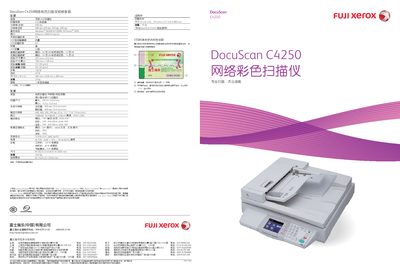
Fuji Xerox DocuScan C4250 Color Network Scanner User Manual
The DocuScan C4250 is a high‑speed color network scanner designed for office environments, offering both flatbed and ADF scanning with a large touch‑screen interface. It supports Ethernet and USB connections and can scan directly to email, FTP, or USB storage.
This manual covers the scanner’s physical dimensions, weight, power consumption, supported paper sizes, optical resolution, scanning speeds, operating system compatibility, output formats, and warranty information, as well as step‑by‑step instructions for installation, configuration, and daily operation. This manual is written in Chinese.
FUJI C4250 specifications
| Dimensions (D x W x H) | 735 mm x 577 mm x 980 mm |
|---|---|
| Weight | 19 kg |
| Scanning Speed (Color) | 23 pages per minute |
| Scanning Speed (Black‑White) | 40 pages per minute |
| Interface | Ethernet, USB 2.0 (Type‑A) |
| Operating System Support | Windows 98/ME/NT/2000/XP/Server 2003 |
| Power Consumption (Operating) | 120 W or less |
| Power Consumption (Standby) | 40 W or less |
Source: Fuji Xerox DocuScan C4250 Color Network Scanner User Manual
All FUJI C4250 documents by type
Day-to-day operation, settings and troubleshooting. Start here if the product is already set up.
Questions answered in these manuals
What network interfaces does the DocuScan C4250 provide?
It includes an Ethernet port and a USB 2.0 (Type‑A) connection.
From: Fuji Xerox DocuScan C4250 Color Network Scanner User Manual
What is the maximum optical resolution of the DocuScan C4250?
The scanner provides a maximum optical resolution of 600 dpi.
How many pages can the automatic document feeder hold?
The ADF can hold up to 50 sheets.