
Key facts
- Brand
- FUJI
- Model
- Z35
- Category
- Digital cameras
- Industry
- Electronics
- Documents
- 2
- Languages
- EN
- Last added
- 2012-03-15
Start here
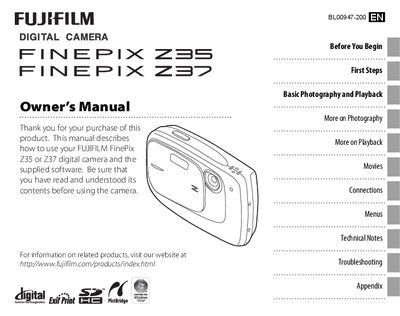
FUJI FINEPIX Z35/Z37 digital camera user manual(1)
User Manual 106 pages · 5 MB · EN
This manual explains how to use the Fujifilm FinePix 235 and 237 digital cameras. It includes instructions for inserting the battery and memory card, basic shooting and playback functions, menu navigation, and troubleshooting common issues.
The guide also provides detailed sections on sharing pictures, connecting the camera to a TV or computer, optional accessories, and caring for the camera to ensure long‑term reliability.
All FUJI Z35 documents by type
User Manual 2
Day-to-day operation, settings and troubleshooting. Start here if the product is already set up.
Questions answered in these manuals
How do I set the camera clock?
Set the date and time using the camera’s menu.
How do I stop the camera beeping and clicking?
Adjust the volume setting in the Setup menu to turn off beeps and clicks.
How do I set the camera clock?
Use the Date and time setting in the Setup menu.
How can I keep the monitor from turning off automatically?
Adjust the Auto power off option in the Setup menu.