
Key facts
Start here
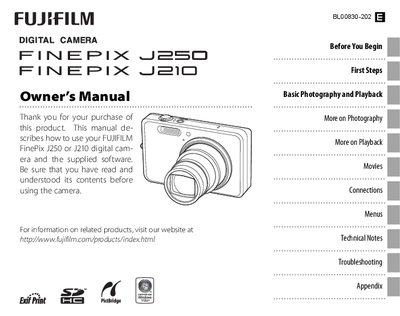
FUJI J250/J210camera user manual
This manual explains how to set up and operate the Fujifilm FinePix J250 and J210 digital cameras. It includes instructions for charging the battery, inserting memory cards, navigating menus, selecting shooting modes, and using playback features.
The guide also provides detailed information on camera functions such as flash operation, self‑timer, picture stabilization, intelligent face detection, and troubleshooting common error messages. Appendices cover accessories, software installation, and legal notices.
FUJI J25 specifications
| Monitor size | 2.7‑inch (J20) / 3.0‑inch (J25) |
|---|---|
| Battery | NP‑45 rechargeable battery (BC45A charger) |
| Memory cards | Supports SD and SDHC memory cards |
All FUJI J25 documents by type
Day-to-day operation, settings and troubleshooting. Start here if the product is already set up.
Questions answered in these manuals
How do I set the camera clock?
Use the date and time settings in the Setup menu to adjust the camera clock.
How can I prevent the monitor from turning off automatically?
Adjust the Auto Power Off setting in the Setup menu to keep the monitor on.
How do I set the camera clock?
Select the Date and time option in the Setup menu (see page 13).
How do I stop the camera beeping and clicking?
Adjust the operation and shutter volume setting in the Setup menu (see page 74).