
Key facts
- Brand
- FUJI
- Model
- S5700
- Category
- Digital cameras
- Industry
- Electronics
- Documents
- 2
- Languages
- ZH · EN
- Last added
- 2012-03-20
Start here
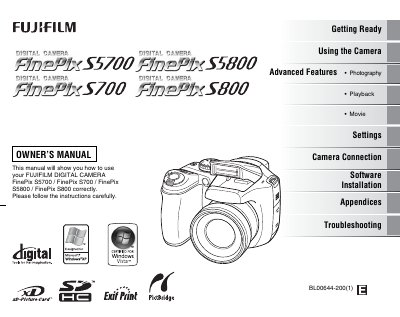
Fujifilm FinePix S5700 / S5800 / S700 / S800 User Manual
This manual guides you through getting started with the FinePix S5700, S5800, S700, and S800 digital cameras, covering battery installation, memory‑card loading, basic shooting modes, and menu navigation. It also includes detailed safety notes, FCC/CE compliance information, and disposal instructions.
Additional sections cover advanced photography features, movie recording, playback options, camera connection to TV or printer, software installation for Windows and Mac, and a comprehensive troubleshooting guide.
All FUJI S5700 documents by type
Day-to-day operation, settings and troubleshooting. Start here if the product is already set up.
Questions answered in these manuals
How can I connect the camera to a TV?
Use the TV connection procedure described in the manual (section "连接电视机").
Where can I find the software installation instructions?
Software installation for Windows and Mac OS X is covered in the "软件安装" section of the manual.
What should I do before cleaning the camera or storing it for a long time?
Remove the batteries and disconnect and unplug the AC power adapter before cleaning or storing the camera.
From: Fujifilm FinePix S5700 / S5800 / S700 / S800 User Manual
Which memory cards can be used with the FinePix S5700/S5800/S700/S800?
The camera supports xD‑Picture Card, SD Memory Card, and SDHC Memory Card.
From: Fujifilm FinePix S5700 / S5800 / S700 / S800 User Manual