
Key facts
- Brand
- FUJI
- Model
- PXG4
- Industry
- Industrial
- Documents
- 2
- Languages
- EN
- Last added
- 2012-03-20
Start here
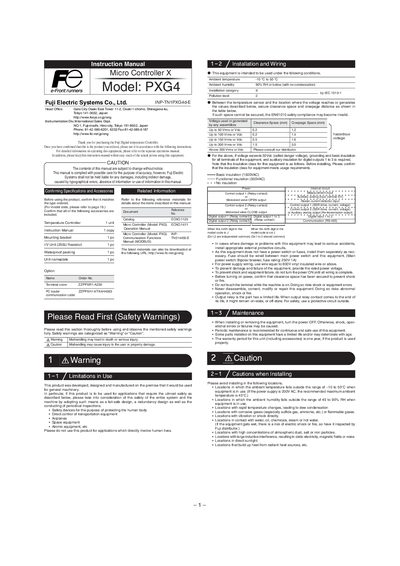
Fuji PXG4 Micro Controller X Instruction Manual
This manual explains the safety precautions and intended use of the Fuji PXG4 Micro Controller X digital temperature controller. It warns against using the device in applications that directly involve human lives and outlines the required environmental limits.
The guide covers installation and mounting, wiring diagrams, display functions, parameter configuration, advanced features such as auto‑tuning, and password/key‑lock procedures. Detailed dimensions, voltage limits, and insulation classes are also provided to ensure proper integration into machinery.
FUJI PXG4 specifications
| Power supply | 100 V (-15%) to 240 V (+10%) AC, 50/60 Hz |
|---|---|
| Power consumption | 12 VA MAX. |
| Mass | About 200 g |
| Operating temperature range | -10 °C to 50 °C |
| IP rating (front) | IP66 |
| Communication protocol | Modbus‑RTU over RS‑485 |
| Maximum communication distance | Up to 500 m |
All FUJI PXG4 documents by type
Day-to-day operation, settings and troubleshooting. Start here if the product is already set up.
Ratings, dimensions and ordering codes, for selection and design work.
Questions answered in these manuals
What is the input sampling cycle of the PXG4?
The input sampling cycle is 200 ms.
What is the IP rating of the front panel?
The front panel is rated IP66.
What safety precautions are required before using the Fuji PXG4 controller?
Do not use the controller in applications that directly involve human lives, avoid mishandling that could cause injury, and follow all warning and caution statements in the manual.
How should the controller be mounted to maintain its waterproof rating?
Insert the controller into the panel cutout, attach the supplied packing, and tighten the mounting screws until no gaps remain, ensuring the front remains NEMA‑4X waterproof.