
Key facts
- Brand
- Fanvil
- Model
- i20S
- Category
- Interphone
- Documents
- 2
- Languages
- EN · ZH
- Last added
- 2026-11-16
Start here
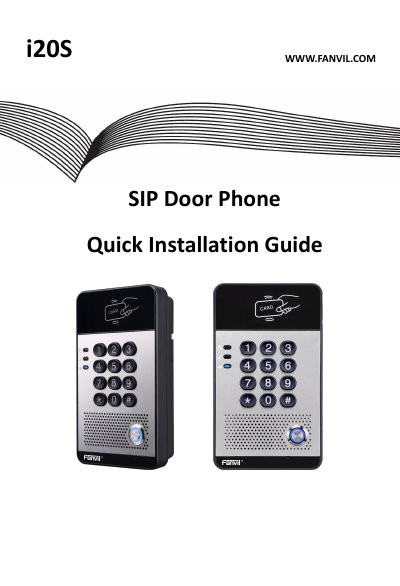
FANVIL i20S SIP Door Phone Quick Installation Guide
This guide describes the FANVIL i20S SIP Door Phone package contents, physical specifications, and front panel components such as the speaker, microphone, RFID reader, numeric keyboard, and DSS key.
It also explains wall-mounting installation, wiring for power and electric-lock connectors, JPL jumper modes, and how to search the door phone, configure SIP settings, and set up door unlocking.
Fanvil i20S specifications
| Device dimensions | 160 x 93 x 35 mm |
|---|---|
| Package weight | 420 g (gross) |
| Default static IP address | 192.168.1.179 |
| Web port | 80 |
| Default web login username | admin |
| Default web login password | admin |
| Default local door password | 6789 |
Source: Fanvil i20S Voice Access Control Quick Installation Manual
All Fanvil i20S documents by type
The shortest path to a working setup, usually only a few pages.
Mounting, wiring and first power-up. Read it before the hardware goes in.
Questions answered in these manuals
What are the dimensions of the i20S door phone?
The device size is 160x 93 x 35 mm.
What does the DSS Key do?
Press the button for calling or to request to open the door.
How can I find the IP address of the i20S?
Use the IP scan tool, or long-press the # key for 3 seconds after power-on (30 seconds later) to hear the IP address announced.
From: Fanvil i20S Voice Access Control Quick Installation Manual
What are the default web login credentials?
The default username is admin and the default password is admin.
From: Fanvil i20S Voice Access Control Quick Installation Manual