
Key facts
- Brand
- Fanvil
- Model
- V67
- Category
- Telephone
- Industry
- Electronics
- Documents
- 2
- Languages
- EN
- Last added
- 2026-11-16
Start here
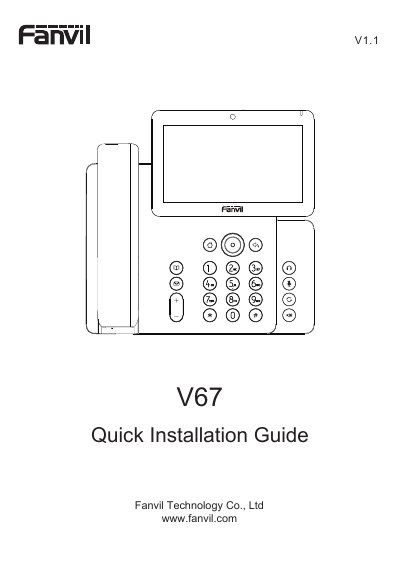
Fanvil V67 Video Phone Quick Installation Guide
The Fanvil V67 is a video phone with an adjustable touch screen and a lit keypad, designed for business communication. It provides ultra-high-definition audio quality and includes a built-in HD camera.
This quick installation guide covers precautions, the packaging and key list, device and stand installation, Ethernet and Wi-Fi connection, phone and web configuration, language settings, and making or answering calls. The default web login username and password are both "admin".
All Fanvil V67 documents by type
The shortest path to a working setup, usually only a few pages.
Questions answered in these manuals
What are the default username and password for web configuration?
Both the default username and password are "admin".
How do I connect the phone to the network?
Connect the phone's WAN port to a hub, switch, or router using an Ethernet cable; the default mode is DHCP.
How can I check the IP address of the phone?
Press the Phone Settings icon and select Common Information.
What are the default login credentials for the web browser configuration?
The default username and password are both 'admin'.