
Key facts
- Brand
- Fanvil
- Model
- i30
- Category
- Interphone
- Industry
- Electronics
- Documents
- 2
- Languages
- EN
- Last added
- 2026-11-16
Start here
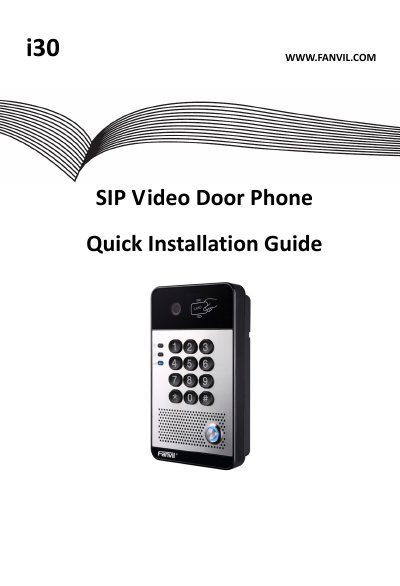
FANVIL i30 SIP Video Door Phone Quick Installation Guide
This guide covers the FANVIL i30 SIP video door phone. It lists package contents and physical specifications, then explains how to install the intercom on a wall.
The document also describes how to search for the door phone, configure SIP settings, and set up door unlocking using a local password, remote password, or RFID card.
FANVIL i30 specifications
| Device size | 160 x 93 x 35 mm |
|---|---|
| Weight | 330g |
| Default Static IP Address | 192.168.1.179 |
| Default Web Port | 80 |
| Default Login User Name | admin |
| Default Login Password | admin |
| Default Local Password | 6789 |
Source: FANVIL i30 SIP Video Door Phone Quick Installation Guide
All FANVIL i30 documents by type
The shortest path to a working setup, usually only a few pages.
Day-to-day operation, settings and troubleshooting. Start here if the product is already set up.
Questions answered in these manuals
How can I find the IP address of the door phone?
Press and hold the “#” key for 3 seconds, or use the iDoorPhone Network Scanner.
From: FANVIL i30 SIP Video Door Phone Quick Installation Guide
What are the default login user name and password?
Both the default login user name and password are admin.
From: FANVIL i30 SIP Video Door Phone Quick Installation Guide
How is the Fanvil i30 powered?
It can be powered through 12V DC or PoE.
What is the maximum output in active mode?
In active mode the device can drive a 12V/650mA switch output maximum; a lock needing more power requires passive mode.