
FANVIL i20S SIP Door Phone Quick Installation Guide covers package contents, specifications, installation, SIP settings, and door unlocking setup.
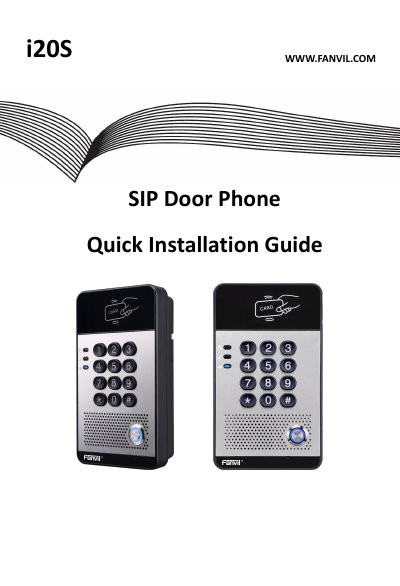
This guide describes the FANVIL i20S SIP Door Phone package contents, physical specifications, and front panel components such as the speaker, microphone, RFID reader, numeric keyboard, and DSS key.
It also explains wall-mounting installation, wiring for power and electric-lock connectors, JPL jumper modes, and how to search the door phone, configure SIP settings, and set up door unlocking.
| Device size | 160x 93 x 35 mm |
|---|---|
| Weight | 4208 (gross weight) |
The device size is 160x 93 x 35 mm.
Press the button for calling or to request to open the door.