
Key facts
- Brand
- Fanvil
- Model
- X5U
- Documents
- 2
- Languages
- EN
- Last added
- 2023-10-21
Start here
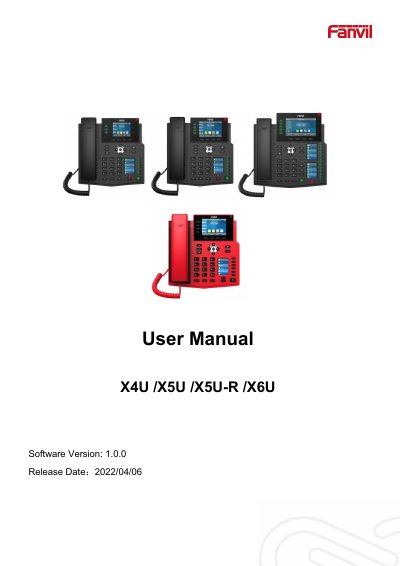
Fanvil X4U/X5U/X5U-R/X6U IP Phone User Manual
This manual provides instructions for the Fanvil X4U, X5U, X5U-R, and X6U series IP phones. It covers safety instructions, an overview of hardware and packing contents, and detailed steps for desktop and wall-mounted installation. The guide explains how to use the device keypad, handset, and headset, as well as navigating the idle screen and phone status.
Read onlineAll Fanvil X5U documents by type
Day-to-day operation, settings and troubleshooting. Start here if the product is already set up.
Questions answered in these manuals
How do I reboot the device?
Users can reboot the device from the soft-menu by selecting [Menu]>>[Basic]>>[RebootSystem] and confirming with [OK], or by removing the power supply.
How do I reset the device to factory default?
To perform a factory default reset, press [Menu]>>[Advanced], input the password, choose [FactoryReset], press [Enter], and confirm with [OK].
What are the default login credentials for the Fanvil X5U V2?
The default username and password are both 'admin'.
How do I access the system menu on the phone?
Press the Menu key and enter the default password 123.