
Dell Inspiron W03C Quick Start Guide

Dell computer quick start guide, introduces the connection and use instructions of Dell computer.
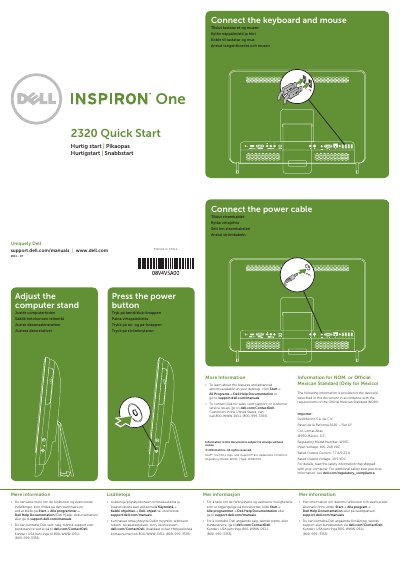

Dell Inspiron W03C Quick Start Guide - cover page
Brand
DELL
Category
Desktops
Document type
Quick Start Guide
Language
English
Pages
2
File format
PDF
File size
374 KB
Published
20 November, 2023
Updated
20 November, 2023
MD5 checksum
6F0E8979F3489C4D7379C40B5C88E56C

About this manual

This document serves as a multilingual quick start guide for the Dell Inspiron W03C desktop computer. It provides instructions for connecting peripherals such as the keyboard, mouse, and power cable, as well as turning on the device. The guide includes specific information for the Official Mexican Standard (NOM) regarding input voltage and output current.

What's inside

  • Connect the keyboard and mouse
  • Connect the power cable
  • Press the power button
  • Adjust the computer stand
  • Features
  • Views
  • Information for NOM
  • Regulatory Model Number
  • Input Voltage
  • Rated Output Current

Specifications

Regulatory Model NumberW03C
Input Voltage100-240 VAC
Rated Output Current7.7 A/9.23 A
Rated Output Voltage19.5 VDC

Frequently asked questions

What are the input voltage and rated output current ratings for the Dell Inspiron W03C?

The device accepts an input voltage of 100-240 VAC and has a rated output current of 7.7 A/9.23 A.

What is the rated output voltage for the Dell Inspiron W03C power adapter?

The rated output voltage for the adapter is 19.5 VDC.

Download PDF (374 KB)

More DELL Manuals


View all DELL manuals →