
Key facts
Start here
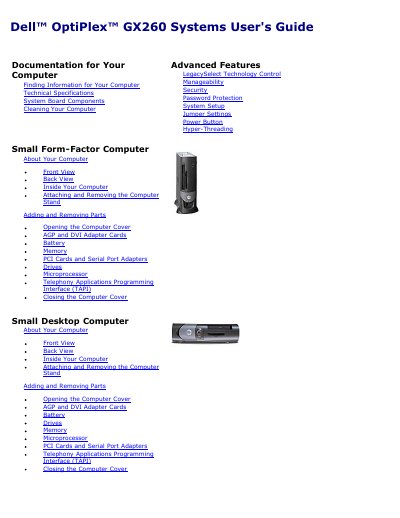
Dell OptiPlex GX260 Systems User's Guide
This document serves as the official user's guide for the Dell OptiPlex GX260 family of computers, covering small form-factor, small desktop, and small mini-tower configurations. It details how to find information, set up the system, and manage hardware components.
The guide includes comprehensive technical specifications for microprocessors, memory, expansion buses, and ports. It also provides instructions for cleaning the computer, attaching and removing the stand, adding and removing parts, and opening the computer cover.
Dell OptiPlex GX260 specifications
| Microprocessor type | Intel Pentium 4 and Celeron microprocessors |
|---|---|
| Memory architecture | 200- and 266-megahertz double-data rate SDRAM |
| Minimum RAM | 128 MB |
| Maximum RAM | 2 GB |
| Computer chip set | Intel 845G |
| System bus speed | 400- or 533-MHz quad-data rate |
| Expansion Bus types | PCI 2.2, AGP 2.0, and USB 2.0 |
| Power Voltage | 90 to 135 V at 50/60 Hz; 180 to 265 V at 50/60 Hz |
All Dell OptiPlex GX260 documents by type
Day-to-day operation, settings and troubleshooting. Start here if the product is already set up.
Disassembly, diagnostics and part numbers, for repair.
Questions answered in these manuals
What are the supported microprocessor types?
The system supports Intel Pentium 4 and Celeron microprocessors.
What is the maximum amount of RAM supported?
The maximum supported random-access memory (RAM) is 2 GB.
What tools are recommended for servicing the Dell OptiPlex GX260?
The recommended tools include a small flat-blade screwdriver, #1 and #2 Phillips-head screwdrivers, an 8-inch #2 Phillips-head screwdriver, and a wrist grounding strap.
How long should you wait before removing a component after turning off the computer?
Wait 5 seconds, or until the standby light is extinguished, after turning off the computer and unplugging the power cord.