
Key facts
- Brand
- Datalogic
- Model
- M8300
- Category
- Other Electronics
- Industry
- Electronics
- Documents
- 2
- Languages
- EN
- Last added
- 2023-10-13
Start here
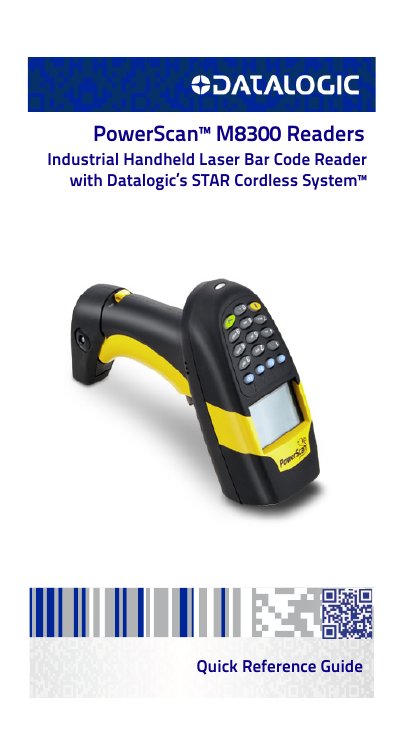
Datalogic PM8300-DK Industrial Handheld Laser Barcode Reader Quick Reference Guide
The document serves as a quick reference guide for the Datalogic PowerScan™ PM8300-DK series readers. It details how to use the device with either a BC-80X0 cradle or a Stargate™ radio base station to build a cordless reading system. Key operational features include aiming systems, scan line positioning, and various data input modes such as Simple Data Input and Quantity-Code Mode.
Read onlineAll Datalogic M8300 documents by type
Day-to-day operation, settings and troubleshooting. Start here if the product is already set up.
The shortest path to a working setup, usually only a few pages.
Questions answered in these manuals
Where can I find the patent list for Datalogic products?
The patent list is available at www.patents.datalogic.com.
From: Datalogic PowerScan D8330/M8300/M8300-DK Product Reference Guide
What is the address range for slave devices in a network?
The manual specifies that the Slave Address Range First/Last can be found on page 165.
From: Datalogic PowerScan D8330/M8300/M8300-DK Product Reference Guide
How do I enable or disable the aiming system?
You can enable or disable the aiming system by reading specific codes after setting up the reader.
From: Datalogic PM8300-DK Industrial Handheld Laser Barcode Reader Quick Reference Guide
What is the recommended temperature range for charging the battery?
The battery should always be charged within a temperature range of 32° – 113°F (0° - 45°C).
From: Datalogic PM8300-DK Industrial Handheld Laser Barcode Reader Quick Reference Guide