
Key facts
- Brand
- Cognex
- Model
- 260 Series
- Category
- Industrial Robot
- Documents
- 3
- Languages
- EN
- Last added
- 2023-10-17
Start here
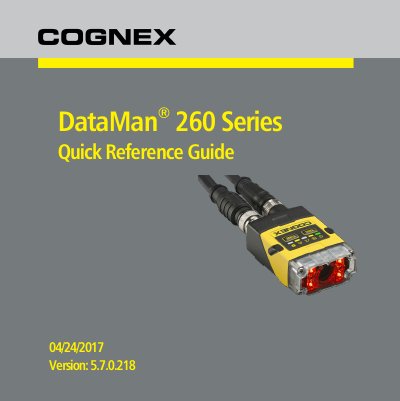
Cognex DataMan 260 Series Quick Reference Guide
The document serves as a quick reference guide for the Cognex DataMan 260 Series, covering essential information such as safety precautions, product overview with LED indicators, available accessories including lenses and filters, and dimensional drawings. It also details the field of view and reading distances for different configurations.
Read onlineCognex 260 Series specifications
| Code Reading Capability | 1-D and 2-D code reading |
|---|---|
| Communication Support | Ethernet and RS-232 |
| Lens Options | 6.2 mm and 16 mm |
All Cognex 260 Series documents by type
Day-to-day operation, settings and troubleshooting. Start here if the product is already set up.
The shortest path to a working setup, usually only a few pages.
Questions answered in these manuals
What is the DataMan 260 used for?
It is a best-in-class ID reader for 1-D and 2-D code reading, including HotBars2™ and PowerGrid™.
What communication options does the DataMan 260 support?
It supports Ethernet and RS-232 communications.
What are the key highlights of the DataMan 260 readers?
They offer 1DMax with HotBars2™ for 1-D reading and 2DMax with PowerGrid™ for 2-D reading.
Can the DataMan 260 readers be configured without a PC?
Yes, the user can setup and deploy an application quickly and efficiently all without the need for PC.
What precautions should be taken when installing the Cognex product?
Observe precautions such as using an LPS or NEC class2 power supply, not connecting/disconnecting while cables are connected to a PC, and routing cables away from high-voltage sources.
How can reflections be reduced when mounting the DataMan 260?
Mounting the reader at a slight angle of 15° can reduce reflections and improve performance.