
Cognex DataMan 260 Series reference manual covering accessories, specifications, setup, mounting, connections, triggering and maintenance.
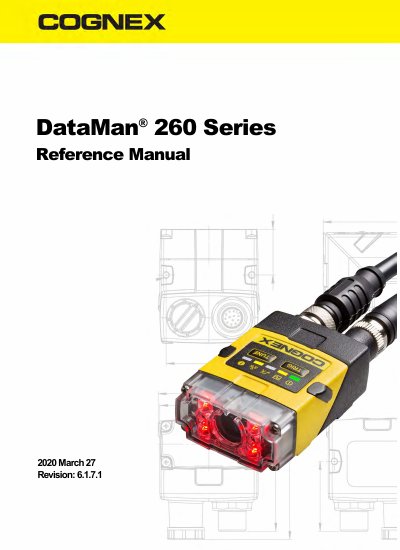
This is the Cognex DataMan 260 Series Reference Manual, revision 6.1.7.1 dated 2020 March 27. It introduces the DataMan 260 series ID readers, describes the available accessories such as lens options, filters, cables, power supplies and mounting brackets, and lists the model variants and reader layout with indicator LEDs. It also contains dimension drawings, imager specifications, LED wavelengths and illumination options.
The manual then walks through setting up the reader: installing an optical filter or a liquid lens, changing a 6.2 mm lens to a 16 mm lens, changing to a different illumination color, mounting in a right-angle configuration, and reading field-of-view and reading distance tables. Later sections cover the I/O breakout cables, acquisition triggering, high-speed output wiring, Ethernet cables and multi-port connections, followed by installing the DataMan software, industrial protocols, setting the focus position, tuning, external triggering and trigger modes, training, and cleaning and maintenance.
| Supported communications | Ethernet and RS-232 |
|---|---|
| Code symbologies | 1-D and 2-D code reading |
| Lens option | 6.2 mm lens kit |
| Lens option | 16 mm lens with extended optics mount |
| Focus | Auto-focus capability utilizing a liquid lens |
The readers provide support for Ethernet and RS-232 communications.
Yes. The manual states that setup and deployment can be done quickly and efficiently all without the need for a PC.
Yes, it offers auto-focus capability utilizing a liquid lens.
The accessories list includes a 6.2 mm lens kit (DM150-LENS-62) and a 16 mm lens with extended optics mount (DM260-LENS-16).