
Key facts
- Brand
- Cognex
- Model
- DataMan 150
- Documents
- 4
- Languages
- EN
- Last added
- 2023-10-17
Start here
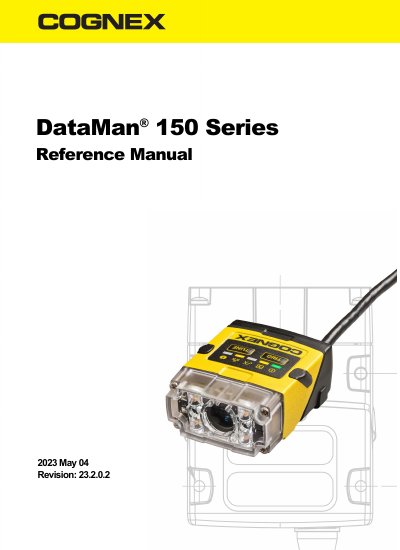
Cognex DataMan 150 Series Reference Manual
This manual provides detailed instructions for configuring and using Cognex DataMan 150 Series ID readers. It covers lens and filter options, mounting, wiring, and software setup. The reader supports USB and RS-232 communications and features auto-focus and intelligent tuning for quick deployment. It includes support for 1D and 2D code reading with HotBars2™ and PowerGrid™ technologies.
Read onlineAll Cognex DataMan 150 documents by type
Day-to-day operation, settings and troubleshooting. Start here if the product is already set up.
Questions answered in these manuals
What is the DataMan 150 used for?
The DataMan 150 readers are best in class ID readers, offering superior performance with the latest ID tools, flexibility to configure the reader in terms of lighting and optics to optimize the application, and an ease-of-use giving the user the ability to setup and deploy an application quickly and efficiently all without the need for PC.
What communication methods does the DataMan 150 support?
The DataMan 150 readers provide support for USB and RS-232 communications.
What communications interfaces does the DataMan 150 reader support?
The DataMan 150 readers provide support for USB and RS-232 communications.
What is the wavelength of the UV light board included in the UV Light Kit?
The UV light board in the kit has a 365nm wavelength.
What is the DataMan 150 used for?
It is an ID reader for 1-D and 2-D code reading, including HotBars2™ and PowerGrid™.
What types of communication does the DataMan 150 support?
The DataMan 150 readers provide support for USB and RS-232 communications.