
This document is the software installation instructions for GUITAR LINK UCG102, which introduces the software supplied with the product, hardware requirements, device drivers and latency, and Windows and Mac computer installation steps.
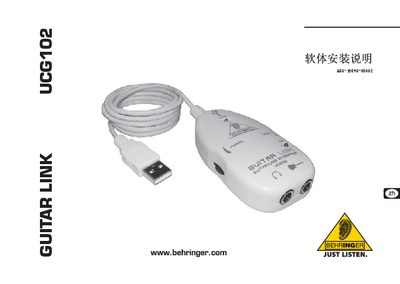
The UCG102 Guitar Link software provides a virtual amp and effects platform for guitar players. This guide explains how to install the software on supported Windows and macOS computers and how to connect the UCG102 hardware via USB.
The manual includes system‑requirement details, step‑by‑step installation procedures for Windows and Mac, USB driver setup, and information on launching the ASIO‑USB control panel for low‑latency audio.
| Minimum CPU | Pentium 700 MHz or G4 733 MHz |
|---|---|
| Minimum RAM | 256 MB or 512 MB |
A Pentium 700 MHz processor or a G4 733 MHz processor is required.
Open the “ASIO‑USB Control Panel” that is installed with the software.