
Key facts
- Brand
- au by KDDI
- Model
- W41S
- Category
- Cell Phones
- Documents
- 3
- Languages
- ZH · EN
- Last added
- 2012-03-28
Start here
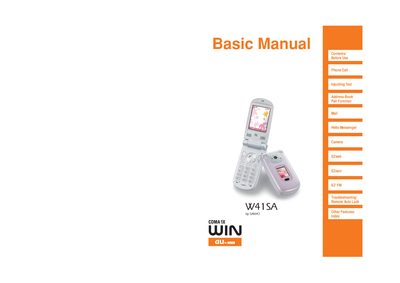
SANYO W41SA Basic Manual
This manual introduces the W41SA handset, covering essential safety information, proper etiquette for cellphone use, and basic operation such as making calls, sending texts, and managing the address book. It also explains how to use the phone’s Manner Mode, Drive Mode, and Answer Phone features to avoid disturbances and comply with traffic laws.
The guide details the phone’s built‑in services, including EZnavi navigation, camera functions, email, Hello Messenger, and disaster bulletin board service. It provides troubleshooting tips, mail filtering for junk messages, and instructions for registering safety information during emergencies.
All au by KDDI W41S documents by type
Day-to-day operation, settings and troubleshooting. Start here if the product is already set up.
Questions answered in these manuals
How do I switch the phone to silent mode?
Hold the S key for more than one second on the standby screen to enable silent mode.
From: au W41S User Manual
How do I make a call?
Enter the phone number you want to dial and press the (2) key.
How can I send an email?
Select "新规作成" (Create New) and follow the prompts to enter the recipient, subject, and message before pressing the send button.