
Key facts
- Brand
- Apple
- Model
- iPhone 11
- Category
- Mobilephone Accessories
- Documents
- 2
- Languages
- EN · ES
- Last added
- 2026-10-16
Start here
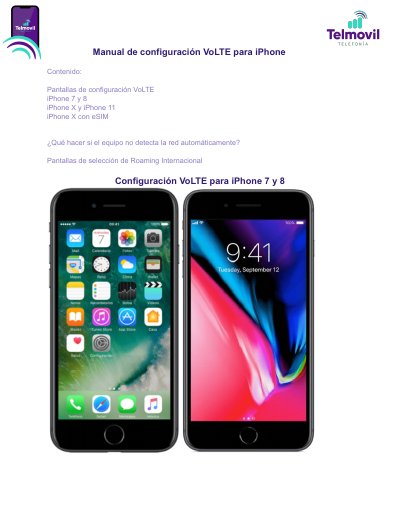
iPhone 7/8/X/11 VoLTE Setup Guide
This guide provides step-by-step instructions for configuring VoLTE (Voice over LTE) on iPhone 7, iPhone 8, iPhone X, and iPhone 11. It covers enabling the feature via the Settings menu, selecting the correct model identifier, and handling network certification messages. This manual is written in Spanish.
Read onlineApple iPhone 11 specifications
| Battery Type | lithium-ion polymer battery |
|---|---|
| Model Numbers | A2111, A2221, A2223 |
| Display Surface Area Threshold | greater than 100 square centimeters |
Source: Apple iPhone 11 Recycler Guide
All Apple iPhone 11 documents by type
Disassembly, diagnostics and part numbers, for repair.
Day-to-day operation, settings and troubleshooting. Start here if the product is already set up.
Questions answered in these manuals
Which model numbers are covered in this guide?
The guide covers iPhone 11 models A2111, A2221, and A2223.
What model numbers are covered by this iPhone 11 Recycler Guide?
The guide covers the A2111, A2221, and A2223 models.
How do I check if my SIM card supports international roaming?
Go to Settings > Cellular > SIM Applications; if the 'International Roaming' option does not appear, the provided SIM does not have international roaming.
How do I enable VoLTE on an iPhone 7 or iPhone 8?
Go to Settings, General, About, Model Number, choose the model starting with A, then Cellular Data, Options, Voice and Data, choose LTE, VoLTE: Yes, and tap OK when the network-not-certified message appears.