
Key facts
- Brand
- Apple
- Model
- A1324
- Category
- Cell Phones
- Documents
- 2
- Languages
- ZH
- Last added
- 2012-03-14
Start here
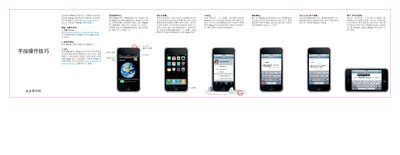
Apple iPhone A1324 Quick Start Guide
This quick‑start guide introduces the Apple iPhone A1324 and walks you through the essential steps to get the device up and running. It covers downloading iTunes, connecting the phone to a computer, and synchronizing contacts, calendars, music, photos and apps.
The guide also explains basic button functions, how to make calls, send messages, set up email, use Spotlight search, control video and music playback, browse photos and albums with Cover Flow, and edit text. Helpful tips for gestures, shortcuts, and troubleshooting are included throughout. This manual is written in Chinese.
All Apple A1324 documents by type
The shortest path to a working setup, usually only a few pages.
Questions answered in these manuals
How do I turn the iPhone on or off?
Press and hold the power (open/close) button; to turn it off or restart, hold the button and then slide the on‑screen icon to confirm.
How do I use Spotlight search on the iPhone?
From the home screen, press the Home button or swipe left‑to‑right on the screen, then type your query; suggestions appear as you type.
How do I turn the iPhone on or off?
Press and hold the power button; to turn off or restart, hold the button and then slide the on‑screen icon to confirm.
How can I set up an email account on the iPhone?
Open the Mail settings, tap “Add Account”, choose your account type or select “Other” to configure POP3 or IMAP accounts, or sync via iTunes.