
This document describes how to set up VoLTE for iPhone 7 and 8, iPhone X and iPhone 11, and iPhone X (with eSIM).
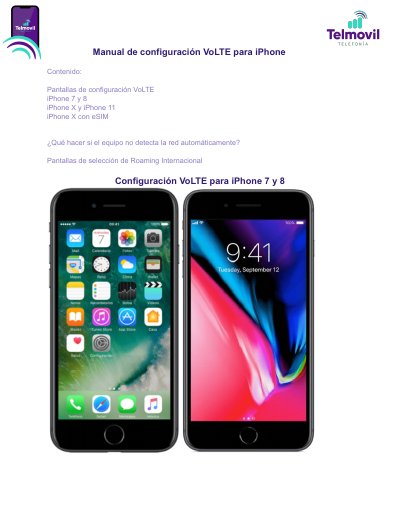
This guide provides step-by-step instructions for configuring VoLTE (Voice over LTE) on iPhone 7, iPhone 8, iPhone X, and iPhone 11. It covers enabling the feature via the Settings menu, selecting the correct model identifier, and handling network certification messages. This manual is written in Spanish.
Go to Settings > Cellular > SIM Applications; if the 'International Roaming' option does not appear, the provided SIM does not have international roaming.
Go to Settings, General, About, Model Number, choose the model starting with A, then Cellular Data, Options, Voice and Data, choose LTE, VoLTE: Yes, and tap OK when the network-not-certified message appears.
A message says the network is not yet certified; tap OK.
Disable Automatic, select another network, wait until the signal bars empty, then repeat network selection, choose TelMovil, leave automatic selection enabled, and continue the VoLTE steps; if no network appears after this, the device is not compatible.