
Key facts
- Brand
- Apple
- Model
- Power Mac G4 (Mirrored Drive Doors)
- Documents
- 2
- Languages
- EN
- Last added
- 2012-06-05
Start here
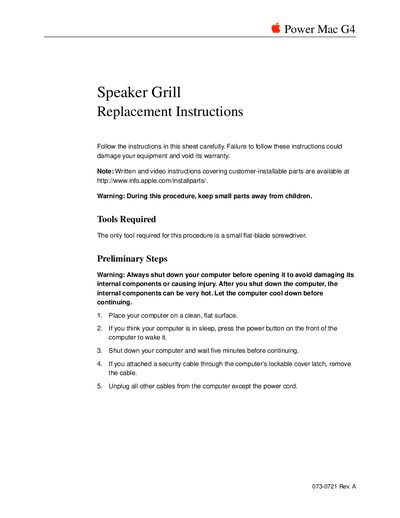
Power Mac G4 (Mirrored Drive Doors FireWire 800) - Speaker Grill Replacement Instructions
This document provides step-by-step instructions for removing and installing a replacement speaker grill on a Power Mac G4 computer. It emphasizes safety precautions, such as shutting down the system, allowing it to cool, discharging static electricity by touching metal covers, and keeping small parts away from children.
The procedure requires only a small flat-blade screwdriver. Users must remove security cables and power cords before opening the case. The guide details how to access the internal components via the side panel, pry out the old grill carefully to avoid damaging the speaker, and press the new one into place.
All Apple Power Mac G4 (Mirrored Drive Doors) documents by type
Disassembly, diagnostics and part numbers, for repair.
Day-to-day operation, settings and troubleshooting. Start here if the product is already set up.
Questions answered in these manuals
What tools are required for this procedure?
The only tool required is a Phillips screwdriver.
From: Power Mac G4 (Mirrored Drive Doors) SCSI Cable Replacement Instructions
How long should the computer cool down before opening?
You must wait five minutes after shutting down the computer to avoid damaging internal components or causing injury.
From: Power Mac G4 (Mirrored Drive Doors) SCSI Cable Replacement Instructions
What tool is required for this procedure?
The only tool required is a small flat-blade screwdriver.
From: Power Mac G4 (Mirrored Drive Doors FireWire 800) - Speaker Grill Replacement Instructions
Can I install the speaker grill while the computer is on?
No, you must shut down the computer and wait five minutes before opening it to avoid damaging internal components or causing injury.
From: Power Mac G4 (Mirrored Drive Doors FireWire 800) - Speaker Grill Replacement Instructions