
Key facts
Start here
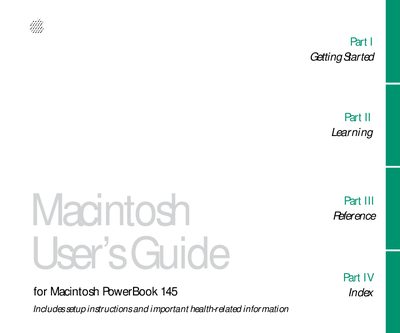
Apple PowerBook 145 User Guide
This manual provides comprehensive instructions for setting up and using the Macintosh PowerBook 145. It covers initial hardware setup, including connecting the power adapter and opening the display, as well as installing the required system software.
The guide details fundamental computer operations such as using the trackball, managing windows and documents, working with floppy and hard disks, and organizing files into folders. It also includes specific sections on power management to maximize battery life and adapting the computer's settings for personal use.
All Apple PowerBook 145 documents by type
Day-to-day operation, settings and troubleshooting. Start here if the product is already set up.
Questions answered in these manuals
What should I do if I cannot save files on a floppy disk?
The manual addresses this issue in the section titled 'If you can't save files on afloppy disk'.
How do I turn on the PowerBook?
To turn on the computer, you must open the display before pressing the power button.
What is included in this manual?
The guide provides setup instructions and important health-related information.