
Software bundle for Xerox WorkCentre 7800i and 7970i printers to enhance productivity and color accuracy with Fiery Spot-On, Hot Folders, Virtual Printers…
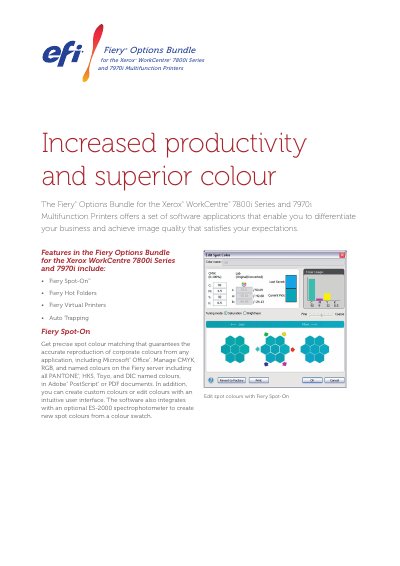
This product leaflet describes the Fiery Options Bundle for Xerox WorkCentre 7800i Series and 7970i Multifunction Printers. It includes software tools like Fiery Spot-On for precise spot color matching, Fiery Hot Folders for automated job submission, Fiery Virtual Printers for streamlined job setup, and Auto Trapping for smooth color transitions. These features help businesses achieve accurate color reproduction, faster printing, and error-free output.
The bundle supports file formats including PS, PDF, DOC, DOCX, XLS, XLSX, PPT, PPS, PPTX, PPSX, PUB, and TIFF. It integrates with optional spectrophotometers and is compatible with Microsoft Office applications on Windows. The software is developed by EFI, which provides a comprehensive workflow suite for various printing industries.
| Color Management | CMYK, RGB, named colors including PANTONE®, HKS, Toyo, and DIC |
|---|
It includes Fiery Spot-On for spot color matching, Fiery Hot Folders for automated job submission, Fiery Virtual Printers for streamlined job setup, and Auto Trapping for smooth color transitions.
Yes, it allows users to create custom colors or edit existing ones with an intuitive user interface.