
Quick reference guide for the Xerox B8155/B8170 covering power, control panel, paper trays, copy, Scan to Email, and letterhead printing.
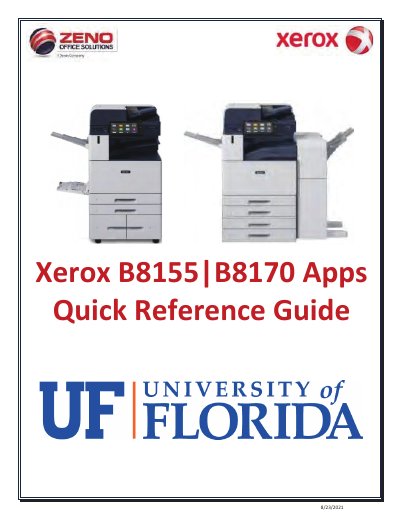
This quick reference guide describes the Xerox B8155/B8170 apps and basic operation. It covers powering the device on and off, Low Power Mode, control panel features, the home screen and status bar, and loading paper in Trays 1 to 4 and Bypass Tray 5.
It also outlines paper-jam troubleshooting, copy settings, Scan to Email options, and steps for printing letterhead from the copier and from a computer.
| Copy ratio range | 25% to 400% |
|---|---|
| Scan resolution | 72 dpi to 600 dpi |
| Bypass Tray 5 capacity | 100 sheets |
| Paper trays | Trays 1, 2, 3, 4, and Bypass Tray 5 |
Open the front cover, press the Main Power switch, close the front cover, then press the Power button on the Control Panel.
Press the Power/Wake button to re-activate the device.
You can enter a ratio from 25% to 400% using the 10 key pad.
.PDF (Multi-Page), .TIF, and JPG are available, with additional formats under More.