
This manual provides installation instructions, power connection guidelines, interface definitions, and project download steps for a generic touch screen…
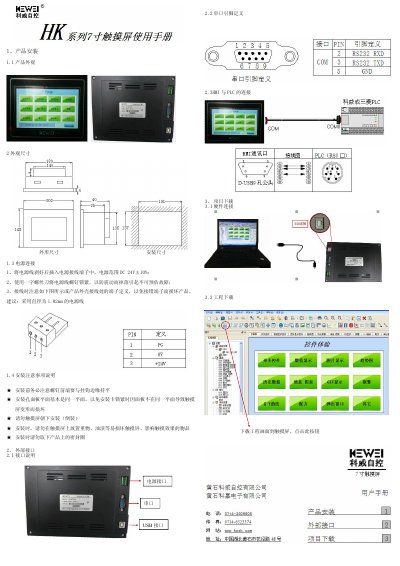
This document outlines the installation procedure for a touch screen device, covering physical appearance, dimensions, and power connection requirements. It specifies that the power supply range is DC24V±10% and advises using a power line with a diameter of 1.02mm. Important installation precautions include ensuring the mounting panel is flat to prevent deformation and avoiding installation with the screen facing downwards. This manual is written in Chinese.
| Power Supply Range | DC24V±10% |
|---|---|
| Recommended Power Line Diameter | 1.02mm |
The device requires a DC power supply within the range of DC24V±10%.
It is recommended to use a power cable with a diameter of 1.02mm.
No, you must not install the touch screen with the screen facing down.