
The LCR-800 series manual provides safety instructions, operation steps, measurement modes, and calibration details for the LCR meter.
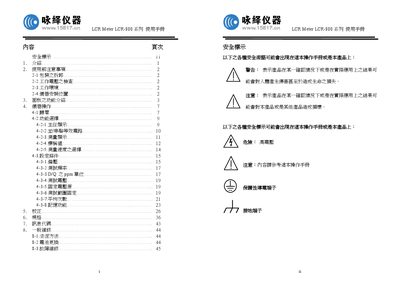
This manual covers safety warnings, power requirements, and proper handling of the LCR-800 series LCR meter. It explains how to set up the device, select measurement modes, and use the built‑in functions such as zero offset and BIN settings.
Detailed sections describe the front‑panel keys, display information, test frequency ranges, accuracy specifications, and procedures for performing resistance, inductance, and capacitance measurements. Calibration and maintenance steps are also included to ensure reliable results.
| Test frequency range (LCR‑819/829) | 12 Hz – 100 kHz |
|---|---|
| Test frequency range (LCR‑816/826) | 100 Hz – 2 kHz |
| Accuracy (LCR‑817/819) | ±0.05 % |
| Accuracy (LCR‑827/829) | ±0.1 % |
| Power supply voltage | 100 V – 240 V AC, 30 Hz – 60 Hz |
| Display resolution | 5‑digit LCD |
| Test voltage | 1 V |
| Test speed | SLOW |
The meter can be powered from an AC source between 100 V and 240 V, with a frequency of 30 Hz to 60 Hz.
LCR‑819/829 cover 12 Hz – 100 kHz, LCR‑817/819 cover 12 Hz – 10 kHz, and LCR‑816/826 cover 100 Hz – 2 kHz.
Press the MENU key, select “OFFSET”, then press the appropriate key (e.g., F1) to start the open‑circuit zero; the LCD will show “OK” when successful.
The LCR‑817/819 model provides an accuracy of ±0.05 %.