
The HOLUX M-241 Wireless GPS Logger User Manual provides setup, operation, specifications, and troubleshooting for the handheld GPS logger.
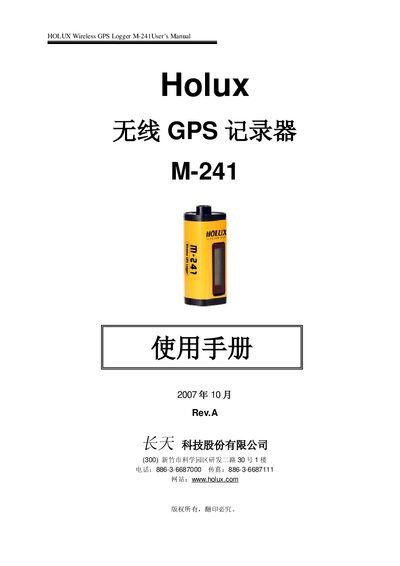
The HOLUX M-241 is a compact wireless GPS logger that records up to 130,000 positions with latitude, longitude, time and altitude data. It features a dual interface (Bluetooth and USB), an AA‑battery power source, and a small LCD that shows location, speed, battery status and more. The device supports distance‑ or time‑based logging, metric or imperial units, and three languages (English, Traditional Chinese, Simplified Chinese).\n\nThis manual covers the contents of the package, basic operation, PC synchronization, data upload, Bluetooth usage, power management, technical specifications, warranty information and troubleshooting steps. It also includes instructions for installing and using the Mini GPS Viewer software on a computer. This manual is written in Chinese.
| Satellite channels | 32 |
|---|---|
| Receiver frequency | L1, 1575.42 MHz |
| Update rate | 1 Hz |
| Dimensions | 32.1 mm × 30 mm × 74.5 mm |
| Weight (without battery) | < 39 g |
| Battery life (AA alkaline) | up to 12 hours |
| Operating temperature | 0 °C to +50 °C |
| Bluetooth version | V1.2 (compatible with SPP) |
The device runs for up to 12 hours on a single AA alkaline battery.
Perform a Cold Start or Warm Start, or remove the battery for about 120 seconds and re‑insert it to reset the receiver.
Connect the logger to a PC via the USB interface and download the recorded files for analysis.
Yes, it fully complies with the Bluetooth Serial Port Profile (SPP).