
User manual for the TCL USB(8) portable network phone, covering installation, operation, settings, and troubleshooting for use with Skype.
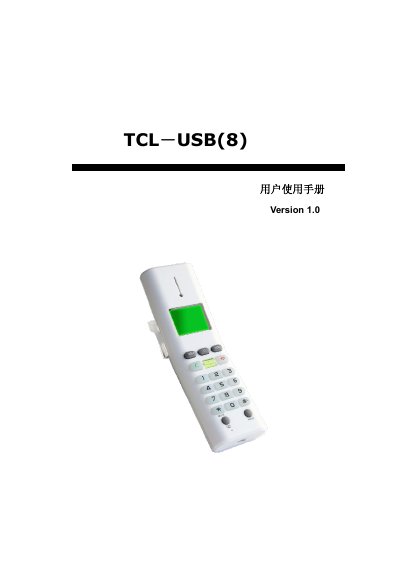
This manual provides instructions for the TCL USB(8), a portable USB network phone designed for use with IM software like Skype. It details the system requirements, installation steps for the driver and Skype, and how to connect the device to a PC running Windows 2000 or later. This manual is written in Chinese.
| Interface Standard | USB 1.1 and 2.0 |
|---|---|
| Display Type | High-definition dot matrix LCD |
| Supported Languages | Simplified Chinese, Traditional Chinese, English, Spanish |
| Memory Requirement | 64MB |
| Hard Disk Space | 100MB |
The device supports Windows 2000, Windows XP, and later versions.
No, the device is USB plug-and-play for Windows 2000 and above, but a specific driver software is required for Skype usage.
Press and hold the Mute key (labeled * or MUTE) during a call.
Go to Skype Tools > Options > Privacy > Manage other programs access to Skype and allow the USB Driver.