
This manual covers the usage of the Synology DS-106j server, including specifications, management, data access, backup solutions, and value-added features.
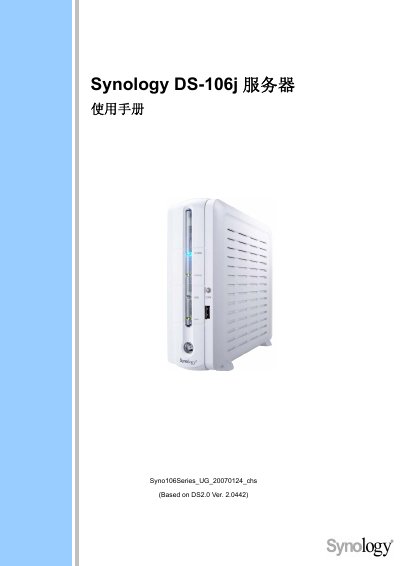
This user manual provides comprehensive instructions for the Synology DS-106j server, designed for storing and sharing files over the internet, backing up data, and utilizing various applications like Photo Station 2 and Web Station. It guides users through setting up the server, managing user permissions, and configuring backup solutions for both local and network environments.
The document details the hardware specifications, including IDE disk interfaces and USB 2.0 support, and explains how to manage the server via the management interface. It also covers troubleshooting common issues and expanding disk space by adding external USB drives or replacing internal disks. This manual is written in Chinese.
| Network Port Speed | 10/100/1000Mbps |
|---|
The server is designed for storing and sharing files over the Internet, backing up desktop computer and server data, and using FTP to transfer files.
The maximum disk capacity supported by the DS-106j is 400GB.
The server operates within a temperature range of 50 to 95 degrees Fahrenheit.