
This manual introduces how to use Synology USB Station, including packing list, hardware specifications, LED descriptions, software specifications, managing Synology USB Station, formatting USB disk, sharing USB printer, PC backup solution, etc.
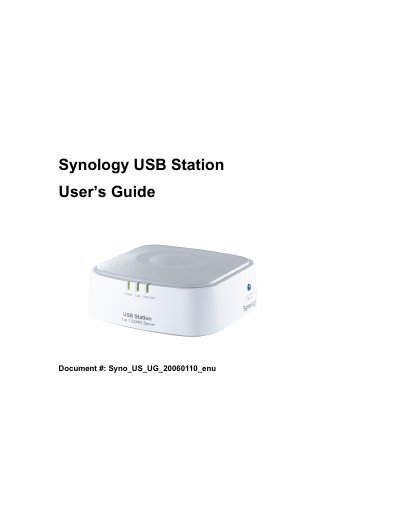
This guide explains how to install and configure the Synology USB Station, a network‑connected device that shares USB printers and disks. It includes a packing list, hardware and LED descriptions, software features, and limitations.
The manual covers accessing the web‑based management UI, configuring network settings, formatting and mounting USB disks, printer sharing, and firmware upgrades. It also lists supported printers, troubleshooting tips, and support information.
| SDRAM | 16 MB |
|---|---|
| Flash memory | 4 MB |
| USB ports | USB 2.0 and 1.1 compliant |
| Power input | DC 5V |
| Network interface | RJ‑45 10/100 Mbps auto‑sensing |
The device supports up to two USB printers simultaneously.
Only one USB disk, card reader, or flash drive can be connected at a time.
PC users should use Internet Explorer 6.0 or later.
Mac users should use Safari 1.3 or Internet Explorer 5.2 or later.