
This document is the user manual for DS-101 Disk Station, which provides information about the copyright, trademarks, and limited warranty of the software product.
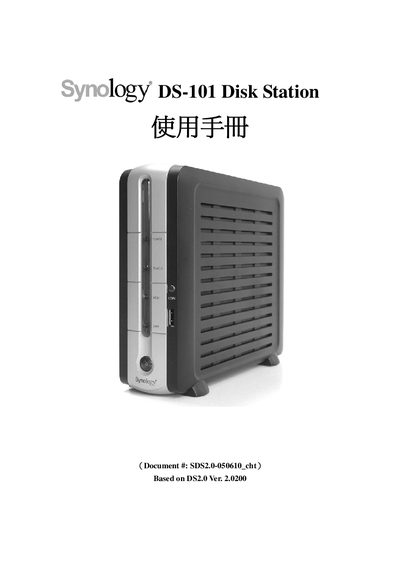
This manual covers the installation and configuration of the Synology DS-101 Disk Station, including hardware connections, LED status indicators, and USB sharing functions. It also explains data replication features and provides safety and handling guidelines.
Additional sections describe system specifications, troubleshooting steps, and maintenance procedures to help users keep the device running reliably.
| Operating Temperature | 10°C to 35°C |
|---|
The DS-101 operates between 10 °C and 35 °C.
Use the USB sharing feature described in the manual to copy files to or from a USB device connected to the DS-101.