
Synology USB Station User Guide, which introduces the basic functions, management methods and usage restrictions of USB Station.
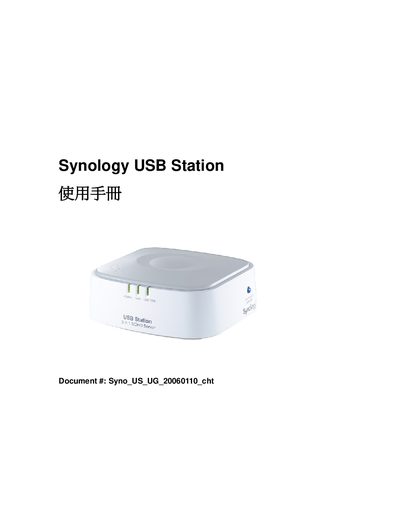
The Synology USB Station is a network‑connected storage device that supports USB 2.0/1.1 disks and provides Ethernet connectivity via a 10/100 Mbps auto‑sensing RJ‑45 port. It is powered by a 5 V DC supply and includes LED indicators for power, LAN activity, and USB disk status.
The device works with Windows and Mac OS X operating systems and supports common network file protocols such as SMB/CIFS, NetBEUI, FTP, and IPP. It also offers DHCP client functionality and can be accessed via CIFS/SMB shares.
| Memory (SDRAM) | 16 MB |
|---|---|
| Flash Memory | 4 MB |
| USB Interface | USB 2.0 and 1.1 |
| Network Port | RJ‑45 10/100 Mbps auto‑sensing |
| LED Indicators | Power, LAN, USB Disk |
It supports SMB/CIFS, NetBEUI, FTP, and IPP.
The device can be used with Windows and Mac OS X.