
Synology DS-106j Server User Manual, including product design, appearance, firmware and other related information, as well as copyright, trademark or mark attribution, limited warranty liability and other contents
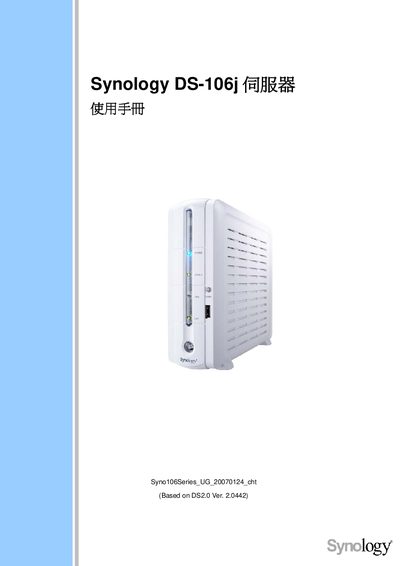
This manual introduces the Synology DS-106j series server, describing its purpose for Windows and Mac users to share data, backup files, and run services such as FTP, Photo Station, and Download Station. It outlines the device’s hardware specifications, supported languages, and recommended peripheral equipment.
The guide walks users through initial setup, network configuration, user and group management, enabling services like NTP and FTP, and troubleshooting common issues. It also includes detailed sections on USB printer sharing, USB Copy, and how to connect the server to external storage or a UPS. This manual is written in Chinese.
| Model | DS-106j |
|---|---|
| Disk Interface | IDE |
| Maximum Disk Capacity | 400 GB |
| USB Copy Function | Yes |
| Maximum Users | 128 |
| Dimensions (W×D×H) | 18.1 cm × 21.2 cm × 6.0 cm |
| Weight (without accessories) | 0.5 kg |
The device can support up to 128 simultaneous users.
Yes, the USB Copy feature is supported.