
This manual introduces the basic concepts, installation, configuration, use, and management of Synology DS107 series servers.
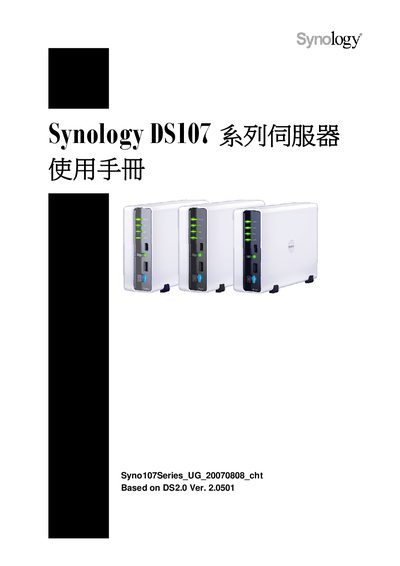
This manual explains all functions of the Synology DS107 series server, including initial setup, network configuration, and the various built‑in services such as File Station, FTP, USB Copy, Audio Station, Photo Station, Download Station and Web Station. It also provides guidance on using Windows and Mac clients, configuring NTP, and expanding storage.
The document includes a detailed specifications table, troubleshooting tips, and recommended hardware for optimal performance. It is intended for end‑users who have purchased a DS107 model and need to operate and maintain the device. This manual is written in Chinese.
| Maximum internal capacity | 1 TB |
|---|---|
| USB 2.0 ports | 2 |
| Network interface | RJ‑45 10/100 Mbps |
| Maximum users | 128 |
| Maximum groups | 64 |
| Maximum shared folders | 100 |
| Maximum connections | 32 |
| NTP support | Yes |
| FTP support | Yes (SSL/TLS optional) |
NTP is used to synchronize the system clock with an external time server.
Yes, the DS107 supports FTP with optional SSL/TLS encryption.
The device can support up to 128 users.