
Synology DS-106 Series User Manual

This manual introduces the basic use of Synology DS-106 series servers, including installation, use and maintenance.
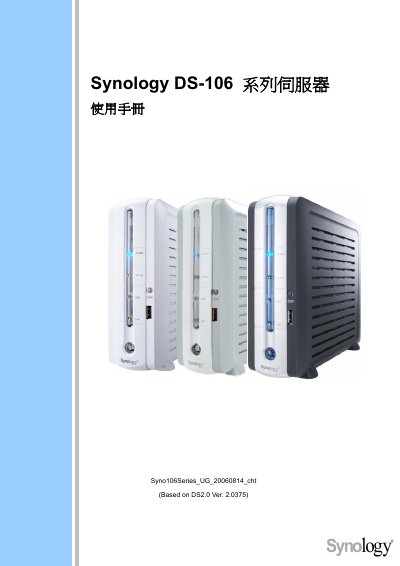

Synology DS-106 Series User Manual - cover page
Brand
Synology
Category
Other
Document type
User Manual
Language
English
Pages
43
File format
PDF
File size
2.2 MB
Published
09 March, 2012
Updated
30 September, 2023
Model
DS-106
MD5 checksum
4CD620399462DEBCC3F026E479D5AA0D

About this manual

This manual explains how to connect digital content to the Synology DS-106 DiskStation, including USB flash drives, external USB disks, external SATA disks, and network media players. It also covers basic network configuration and supported services such as Download Station, Web Station, FTP, and NTP server settings.

Additional sections describe the use of the built‑in wireless router, how to access the DiskStation from Windows or Mac computers, and a list of public NTP servers for time synchronization.

What's inside

  • Connecting Your Digital Contents
  • USB Flash/Card Reader
  • External USB Disk
  • External SATA Disk
  • Network Media Player
  • Wireless Router
  • Download Station
  • Web Station
  • FTP Service
  • NTP Server List

Frequently asked questions

How do I connect a USB flash drive to the Synology DS-106?

Use the USB Flash/Card Reader port on the DiskStation to attach a USB flash drive.

Download PDF (2.2 MB)

More Synology Manuals


View all Synology manuals →