
This manual introduces the use of Synology network servers, including installing hard disks, configuring networks, and installing applications.
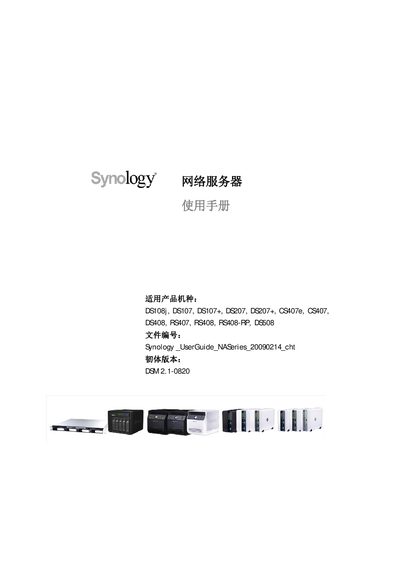
The manual introduces Synology's DiskStation products and explains how to install and configure the devices. It covers basic system requirements, initial setup, and the use of Synology's web‑based management tools.
It also details the various services offered by the NAS, such as FTP, File Station, Photo Station, Download Station, Surveillance Station, Mail Station, NTP synchronization, and RAID configuration, plus troubleshooting and warranty information. This manual is written in Chinese.
| Supported models | DS108j, DS107, DS107+, DS207, DS207+, CS407e, CS407, DS408, RS407, RS408, RS408‑RP, DS508, DS509, DS509+, RS409, RS409+, RS409RP+, RS408, RS408‑RP, RS407 |
|---|
Install the Data Replicator 3 software on a PC, then follow the on‑screen steps to connect to the NAS and configure backup or synchronization tasks.