
This manual covers the usage of Synology DS-101 series servers, including file sharing, backup solutions, and various add-on services like Web Station and…
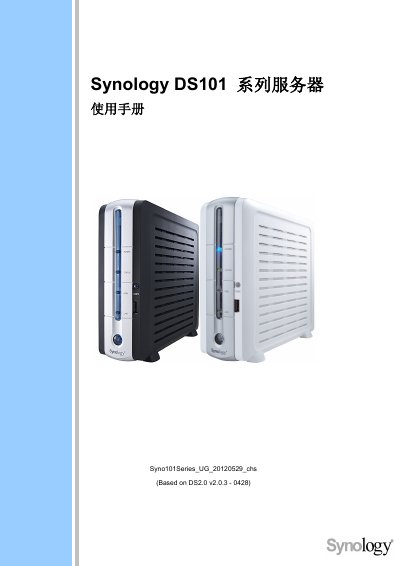
This user guide provides instructions for the Synology DS 101 Series Server, a device designed to store and share files over the Internet. It supports both Windows and Mac users in accessing data stored on the server via Unicode support.
The document details how to manage the server through its management interface, set up shared folders with specific access permissions, and configure backup solutions for desktop computers and servers. Additionally, it explains how to utilize add-on features such as FTP transfer, Photo Station 2 for image sharing, iTunes service for music playback, and Web Station for hosting personal websites. This manual is written in Chinese.
| Disk Interface | SATA / IDE |
|---|---|
| Maximum Disk Capacity | 500GB |
| USB 2.0 Ports Support | *3 |
| Network Port Speed | 10/100/1000Mbps |
| Memory (SDRAM) | 64MB / 32MB |
| Maximum Accounts | 128 |
The maximum disk capacity supported by this server is 500GB.
Yes, you can enable the FTP function on the Synology server to upload or download data via the network.
The server supports Mac OS 9 or later versions.