
This manual provides installation, operation, maintenance, and control code instructions for the STAR NX-500 24-pin dot matrix printer.
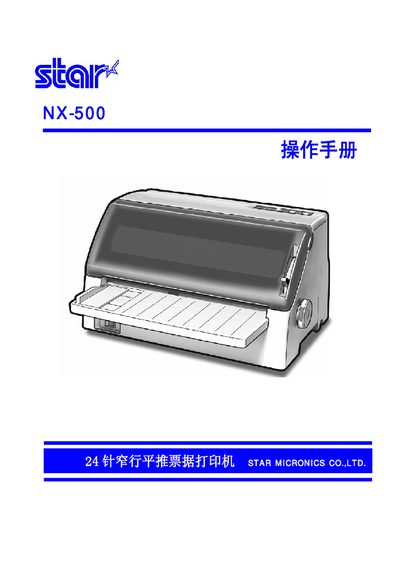
The document is a comprehensive user guide for the STAR NX-500, a 24-pin narrow-row parallel receipt printer. It covers the entire lifecycle of the device, from initial unboxing and environment selection to driver installation and daily operation.
Key sections include detailed instructions on installing the ribbon cartridge and paper guides, configuring the control panel in both online and offline modes, and adjusting settings via EDS (Electronic Data Sheet). The manual also provides extensive information on ESC/P and OKI emulation control codes for advanced printing tasks. This manual is written in Chinese.
| Print System | Serial Dot Matrix Impact |
|---|---|
| Print Speed (English) | 180 cps (Draft), 60 cps (LQ) |
| Print Speed (Chinese) | 120 cps (Draft), 40 cps (LQ) |
| Pin Count | 24 Pin |
| Print Head Life | 300 million strikes per pin |
| Paper Width (Single Sheet) | 4.9 to 10.1 inches |
| Paper Thickness | 0.07mm (single) to 0.50mm (multi) |
The printer should be connected to a stable power source with a voltage value of 220V.
The parallel interface connection cable length should generally be within a range of 2 meters.
For single sheets, the printer supports a width ranging from 4.9 inches to 10.1 inches.