
This manual introduces how to install, use Star NX-200 printer, including printer placement environment selection, printer unboxing check, printer appearance structure, printer installation, printer paper installation, printer control panel, printer setting adjustment, printer control code, maintenance and maintenance, etc.
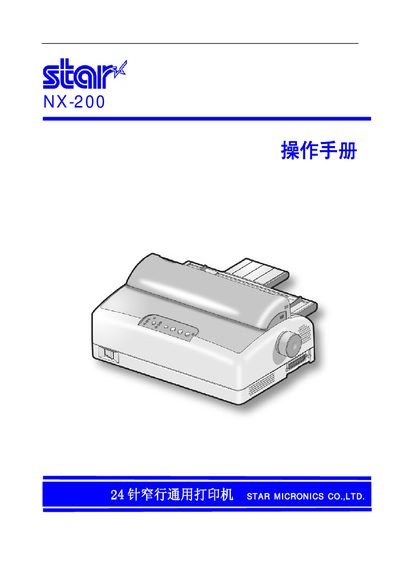
This manual covers everything needed to set up and use the Star NX-200 printer, including unpacking, placement, power connection, and loading of the print ribbon. Detailed safety warnings and warranty information are also included.
Later sections describe the control panel functions, firmware (EDS) updates, ESC/P command usage, interface pin definitions, and a troubleshooting guide for common issues such as abnormal noises or printing errors. This manual is written in Chinese.
Follow the installation chapter that explains how to place the printer, check the box contents, connect the power source, and load the ribbon before use.
Star Micronics provides a three‑year free warranty for the NX‑200 printer.