
This is the operation manual of STAR NX-750 printer, which introduces the names of various parts of the printer, installation, use, maintenance, etc.
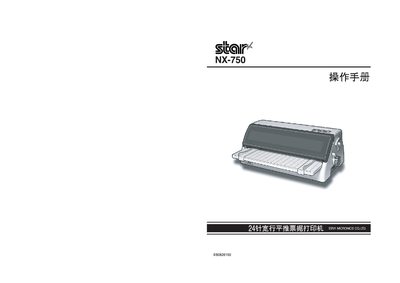
This manual explains how to install the Star NX-750 printer, including placement, removal of packaging, and connection of power and data cables. Detailed steps cover mounting the printer, installing the ribbon, and configuring the printer settings.
It also describes the control panel functions, operation modes, maintenance procedures, and troubleshooting tips. Safety warnings, warranty information, and contact details for service support are included. This manual is written in Chinese.
| Power Supply | 220 V |
|---|---|
| Maximum Interface Cable Length | 10 m |
| Warranty Period | 3 years |
The printer comes with a three‑year warranty.
The printer requires a 220 V power source.
The interface cable can be up to 10 meters long.