
This quick start guide covers the appearance, connection methods, setup steps for single and multi-router configurations, factory reset instructions, and…
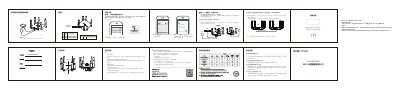
The document provides a quick introduction to the Ruijie RG-EW3200GX Wi-Fi 6 router. It details product appearance, item list, and initial connection steps including power and LAN cables. The guide explains how to set up the device for internet access via various methods such as dynamic IP, static IP, or PPPoE (broadband account/password). This manual is written in Chinese.
| Maximum Multi-router Mode | 1+4 mode (5 routers total) |
|---|---|
| Startup Time | 2-3 minutes |
Press and hold the Reset button on the back of the router for more than 3 seconds until the system indicator light flashes rapidly, then release.
You can use the 'YidianDian' (易点点) mini-program via WeChat or access the web management address ruiyi.cn or 192.168.110.1.