
This quick start guide for the Ruijie RG-EW1800GX router covers setup, Wi-Fi configuration, one-click pairing features, and warranty information.
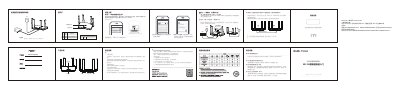
The document provides instructions for setting up the Ruijie RG-EW1800GX Wi-Fi 6 router. It details how to connect power and network cables, configure internet access via dynamic IP or broadband account/password, and set up Wi-Fi names and passwords. The guide also explains the 'One-Click Easy Link' feature for pairing multiple routers. This manual is written in Chinese.
Press and hold the Reset button on the back of the router for more than 3 seconds while it is powered on.
You can access the configuration page via 'ruiyi.cn' or '192.168.110.1'.
The feature supports pairing up to 5 routers in a total of 1+4 mode.