
This guide covers single and multiple Ruijie RG-EW1800GX router installation, Wi-Fi configuration, status indicator meanings, and wireless mesh networking…
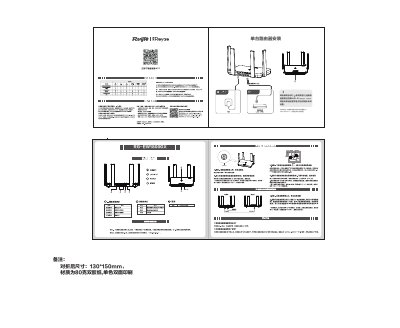
This document provides instructions for installing and configuring the Ruijie RG-EW1800GX router. It details how to connect to the default Wi-Fi network to access the configuration interface and explains the meaning of the system indicator lights. This manual is written in Chinese.
| Web Management Address | 192.168.110.1 |
|---|---|
| Maximum Wireless Mesh Devices | 17 devices |
Press and hold the reset button on the router for more than 10 seconds until the system indicator light flashes quickly, then releases.
Up to 17 devices can be connected, recommended for 6 or fewer.