
The Roland MODELA 3D DESIGN User Manual provides installation steps, software usage instructions, and troubleshooting for the MDX-3 cutting system.
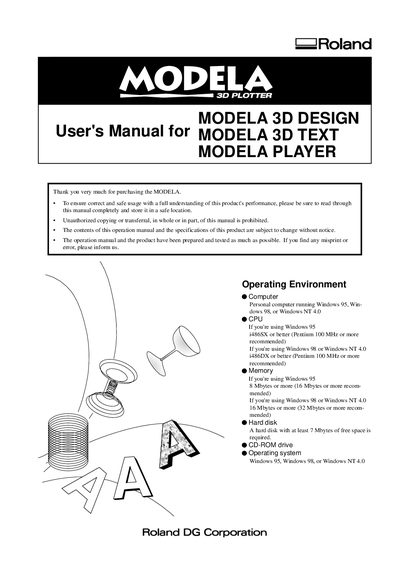
This manual describes the operating environment, installation procedure, and basic operation of the MODELA 3D DESIGN software that creates 3‑D cutting data for the Roland MDX‑3 machine. It covers the required computer specifications, how to start the software, and the workflow for creating, checking, and saving cutting data.
Additional sections explain the use of MODELA 3D TEXT, the 2.5D DRIVER, and detailed troubleshooting steps for common issues such as memory errors, driver configuration, and hardware connection problems.
| Supported Operating Systems | Windows 95, Windows 98, Windows NT 4.0 |
|---|---|
| Minimum CPU | i486SX or better (Pentium 100 MHz recommended) |
| Free Hard‑Disk Space | At least 7 MB |
The software runs on Windows 95, Windows 98, or Windows NT 4.0.