
Rockwell Automation PowerFlex 750-Series Option Modules Installation Instructions

Installation instructions for Rockwell Automation PowerFlex 750-Series option modules, covering compatible ports, wiring, and safety precautions.
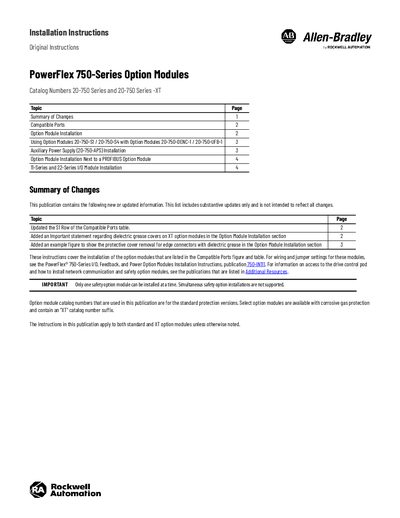

Rockwell Automation PowerFlex 750-Series Option Modules Installation Instructions - cover page
Brand
Rockwell Automation
Document type
Installation Guide
Language
English
Pages
6
File format
PDF
File size
1.3 MB
Published
13 October, 2026
Updated
13 October, 2026
MD5 checksum
10EAB87F8916E1865DF306D1E6CC03E2

About this manual

This document provides installation instructions for various PowerFlex 750-Series option modules. It details the steps to install these modules into specific drive frames (Frame 1 through Frame 15) and lists compatibility with different drive models such as PowerFlex 753, 755, and 755T.

The guide covers specific installation procedures for auxiliary power supplies, encoder options, I/O modules (11-Series and 22-Series), and PROFIBUS option modules. It includes important safety warnings regarding electric shock hazards and dielectric grease on XT boards.

What's inside

  • Summary of Changes
  • Compatible Ports
  • Option Module Installation
  • Using Option Modules
  • Auxiliary Power Supply Installation
  • PROFIBUS Option Module Installation
  • 11-Series and 22-Series I/O Module Installation
  • Additional Resources

Specifications

Recommended Torque0.45 N•m (4.0 lb•in)
Recommended ScrewdriverT15 Hexalobular

Frequently asked questions

Can multiple safety option modules be installed simultaneously?

No, only one safety option module can be installed at a time.

What is the recommended torque for installing option modules?

The recommended torque is 0.45 N•m (4.0 lb•in).

Download PDF (1.3 MB)

More Rockwell Automation Manuals


View all Rockwell Automation manuals →