
Installation guide for the Rockwell Automation 1756-DHRIOXT remote I/O interface module, covering setup, wiring, safety and specifications.
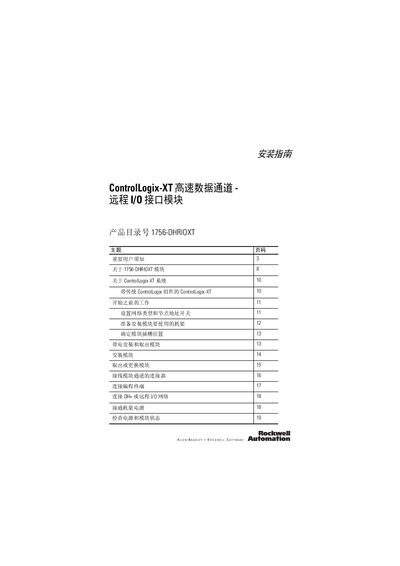
This guide provides step‑by‑step instructions for installing the 1756‑DHRIOXT remote I/O interface module in a ControlLogix‑XT system. It includes preparation work, rack mounting, wiring, network configuration and power‑up procedures, as well as safety warnings for solid‑state equipment.
Technical data such as power consumption, backplane current, baud rates, insulation voltage and environmental certifications are listed, along with guidelines for handling electrostatic discharge and operating in hazardous locations. This manual is written in Chinese.
| Module location | 1756 ControlLogix‑XT rack, any slot |
|---|---|
| Backplane current at 24 V | 1.7 mA |
| Backplane current at 5 V | 850 mA |
| Maximum power consumption | 4.5 W |
| Maximum heat dissipation | 15.4 BTU/hr |
| Supported baud rates | 57.6 Kbaud, 115.2 Kbaud, 230.4 Kbaud |
| Insulation voltage (continuous) | 30 V |
| North American temperature code | T4A |
| Cabinet protection rating | Open (no IP rating) |
| Recommended wiring gauge | 0.2…2.0 mm² (24…14 AWG) copper twin‑ax cable, Belden 9463 |
Use Category 2 wiring on the communication ports as described in the Industrial Automation Wiring and Grounding Guidelines.