
This Quick Start Guide provides basic installation, wiring, and programming steps for the Rockwell Automation PowerFlex 400 FRN 4.xx adjustable frequency AC…
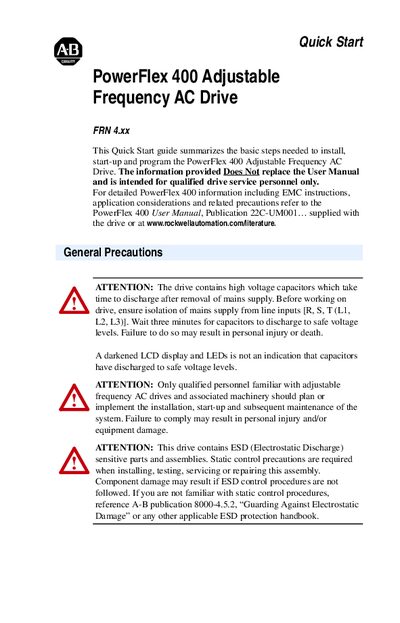
The guide is intended for qualified drive service personnel and summarizes the essential steps to install, start‑up, and program the PowerFlex 400 drive. It references the full User Manual for detailed information and safety requirements.
Key sections cover general precautions, mounting considerations, wiring diagrams, power and I/O terminal specifications, fault codes, and recommended fuse and circuit‑breaker selections. The document also includes frame dimensions, certification data, and environmental limits.
| Output Power Rating (Catalog 22C-B012N103) | 2.2 kW (3.0 HP) |
|---|---|
| Input Voltage Range | 200‑240 V AC – 3‑Phase |
| Maximum Surrounding Air Temperature | -10 °C to 45 °C (14 °F to 113 °F) |
| Control Output Frequency Range | 0‑320 Hz (programmable) |
| Electrical Efficiency at Rated Current | 97.5 % |
Press the Stop key, cycle power, or set parameter A100 (Fault Clear) to 1 or 2.
Ensure the mains supply is isolated and wait three minutes for the high‑voltage capacitors to discharge.