
Installation instructions for the Rockwell Automation 5069-HSC2XOB4 High-speed Counter Module, covering system requirements, mounting, wiring, and safety…
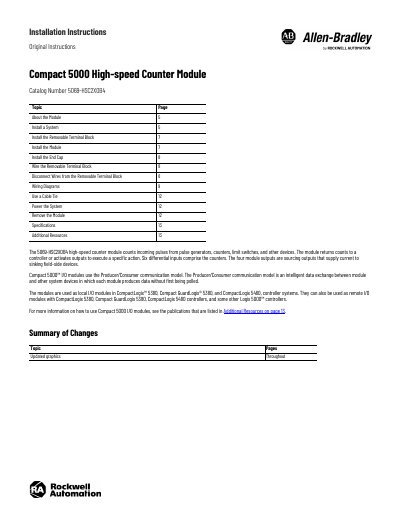
This document provides installation instructions for the Compact 5000 High-speed Counter Module, catalog number 5069-HSC2XOB4. The module counts incoming pulses from devices such as pulse generators and limit switches and returns counts to a controller or activates outputs. It is designed for use as a local or remote I/O module in CompactLogix 5380, Compact GuardLogix 5380, and CompactLogix 5480 controller systems.
| Pollution Degree | 2 |
|---|---|
| Overvoltage Category | II |
| Maximum Altitude | 2000 m |
| Operating Temperature | 0…60 °C |
| Hazardous Location Class | Class I, Division 2 |
| Hazardous Location Group | A, B, C, D |
| Hazardous Location Zone | Zone 2 |
| Protection Rating | IP54 |
The module is used in CompactLogix 5380, Compact GuardLogix 5380, and CompactLogix 5480 controller systems.
No, removable terminal blocks must be ordered separately as they do not ship with the module.
Installation requires a screwdriver, wire stripper, and wire.